
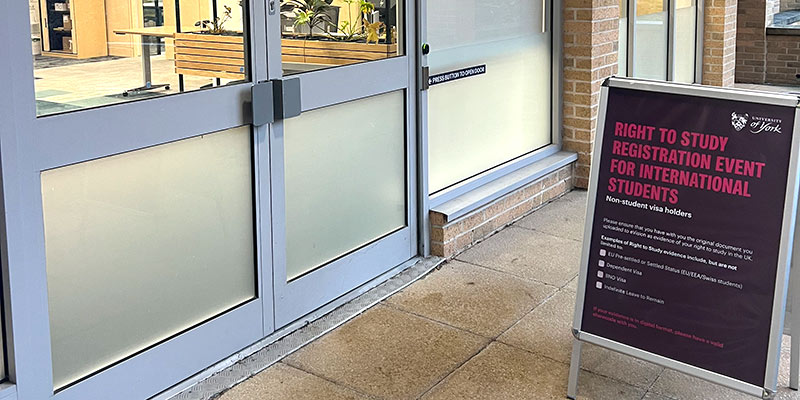
All other students
Can I study in the UK on a Graduate visa?
You cannot study on a Graduate visa. If you wish to study and require a visa you will need to switch back to a student visa, and you will not be able to start the course until you have been granted your student visa.
I have an eVisa or EU Settled Status - what do I upload?
Please upload evidence of your eVisa or settled status, selecting the correct visa type. This can be either the decision letter or screenshot of your immigration status from your UKVI account and a valid share code.
For more information on proving your immigration status with share codes, please visit this International Student Support web page. Please ensure that the share code starts with an *S*.
I have an eVisa or EU Settled Status - what do I need to bring with me to the event?
Please bring:
- Your student card
- Valid sharecode for your eVisa - Please ensure that the share code you bring to the Registration Event starts with an *S*.
I am using an Electronic Travel Authorisation (ETA) or Visitor Visas - what do I upload?
If you are studying with us for less than six months and using an ETA (Electronic Travel Authorisation) or Visitors Visa to complete your studies please upload a copy of the ETA decision letter or Visitors Visa, and evidence of the date that you will arrive in the UK, such as flight ticket, boarding pass or passport border stamp.
You will need to bring all the documents that you upload to the Registration Event.
My 'leave to remain' is indefinite - what do I put as the expiry date?
If you are uploading evidence that does not have an end date, ‘Indefinite Leave to Remain’ or ‘no time limit’, please use the end date 01/01/2099.
How do I generate a share code?
Visit the check immigration status with a sharecode web page for guidance. Please ensure that the share code you bring to the Registration Event starts with an *S*.
I am not able to provide my right to study evidence - what should I do?
There are several reasons you might not have been able to upload your evidence to e:Vision, including, but not limited to
- Still awaiting a decision on an application
- Issues with your eVisa account.
It is important that you email right-to-study@york.ac.uk if you are unable to provide the University with evidence of your Right to Study in the UK by the given deadline.
If you are waiting for a decision on a visa application, please contact us using the above email address, explaining the situation and including evidence of your application.
My right to study document expires during my studies - what do I need to do?
You will be required to provide evidence of your continuing right to study when your current permission expires.
We will contact you before your current permission expires to request that you do this. When you receive our email, if you are still waiting for a decision on your visa renewal application, please email right-to-study@york.ac.uk, explaining the situation and including evidence of your visa application.