
Templates

Marketing leaflets

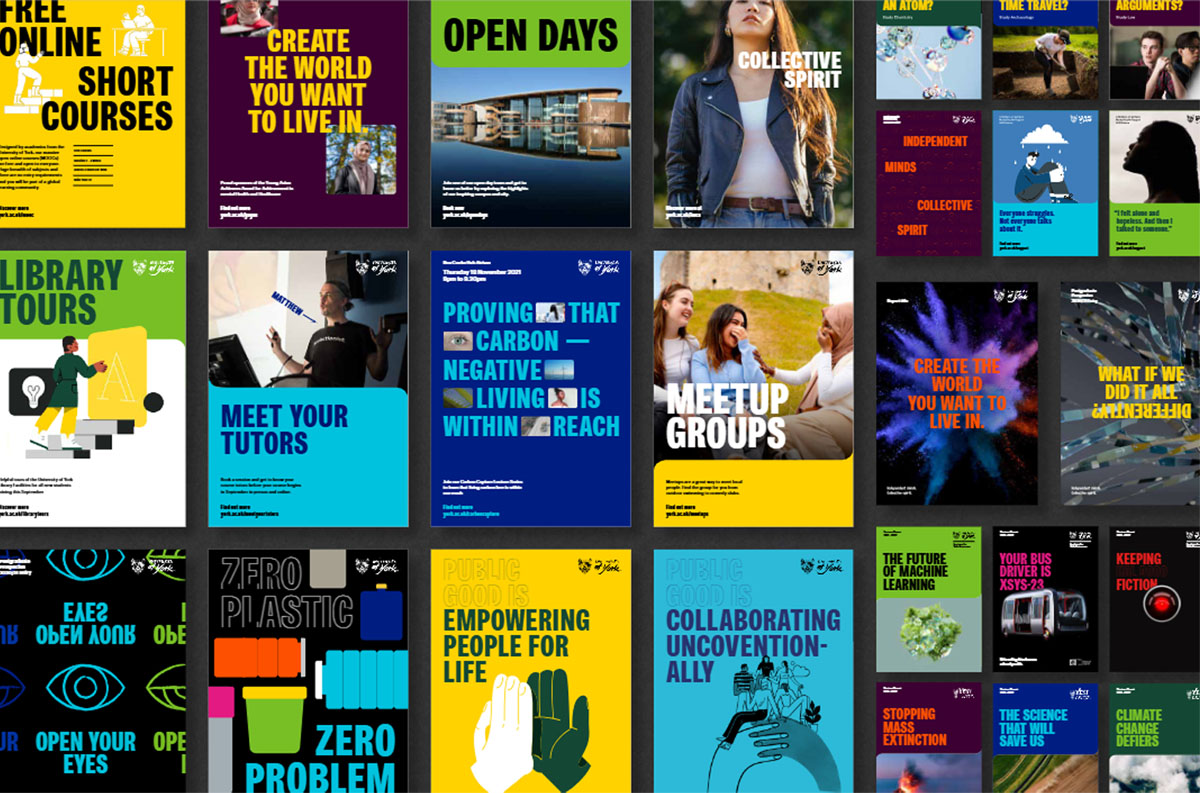
A distinct style has been created for leaflets and brochures which promote the University’s undergraduate and postgraduate degree programmes. For more information see departmental leaflets.

Stationery

University letterheads, business cards and compliments slips must follow official templates. Contact Campus Copy and Print.

Certificates

Certificates for internal and external courses (unaccredited) must follow the official certificate template ( 273kb download). Contact the Publications Office for guidance.

PowerPoint

All University presentations must follow the University's visual identity guidelines. We have produced PowerPoint templates, which can be downloaded by following the instructions below.

Instructions

  • Right click on the template you wish to download and select Save Target As..
  • Navigate to your Templates folder. This is usually in My Documents\Applications\Microsoft\Templates
  • For the template to work it needs to be saved with the extension .pot - you may find that your browser gives it a .ppt extension. Simply rename the file if this happens.
  • Save the file
  • In PowerPoint, select File then New. The New Presentation Task Pane will come up on the right hand side. Select From design template. Select the template that you have downloaded to apply it to your presentation.

Blue template


Click to download: Blue PPT template (MS PowerPoint  , 1,038kb)

Green template


Click to download: Green PPT template (MS PowerPoint  , 165kb)

White template


Click to download: White PPT template (MS PowerPoint  , 102kb)